Start with the purpose of your book
Before opening any tool, decide what the book is for. A family keepsake, a weekly cooking companion, or a gift for a friend will not need the same structure.
Write one sentence that defines the book. For example: "Our family desserts, ready to cook and easy to pass down." That sentence guides which recipes to include and which to leave out.
- Everyday cooking companion
- Family heritage book
- Themed collection (desserts, batch cooking, holidays)
- Gift for a wedding, birthday, or housewarming
Collect recipes before you design anything
Most people fail at the design stage because their content is still messy. Collect first, layout second.
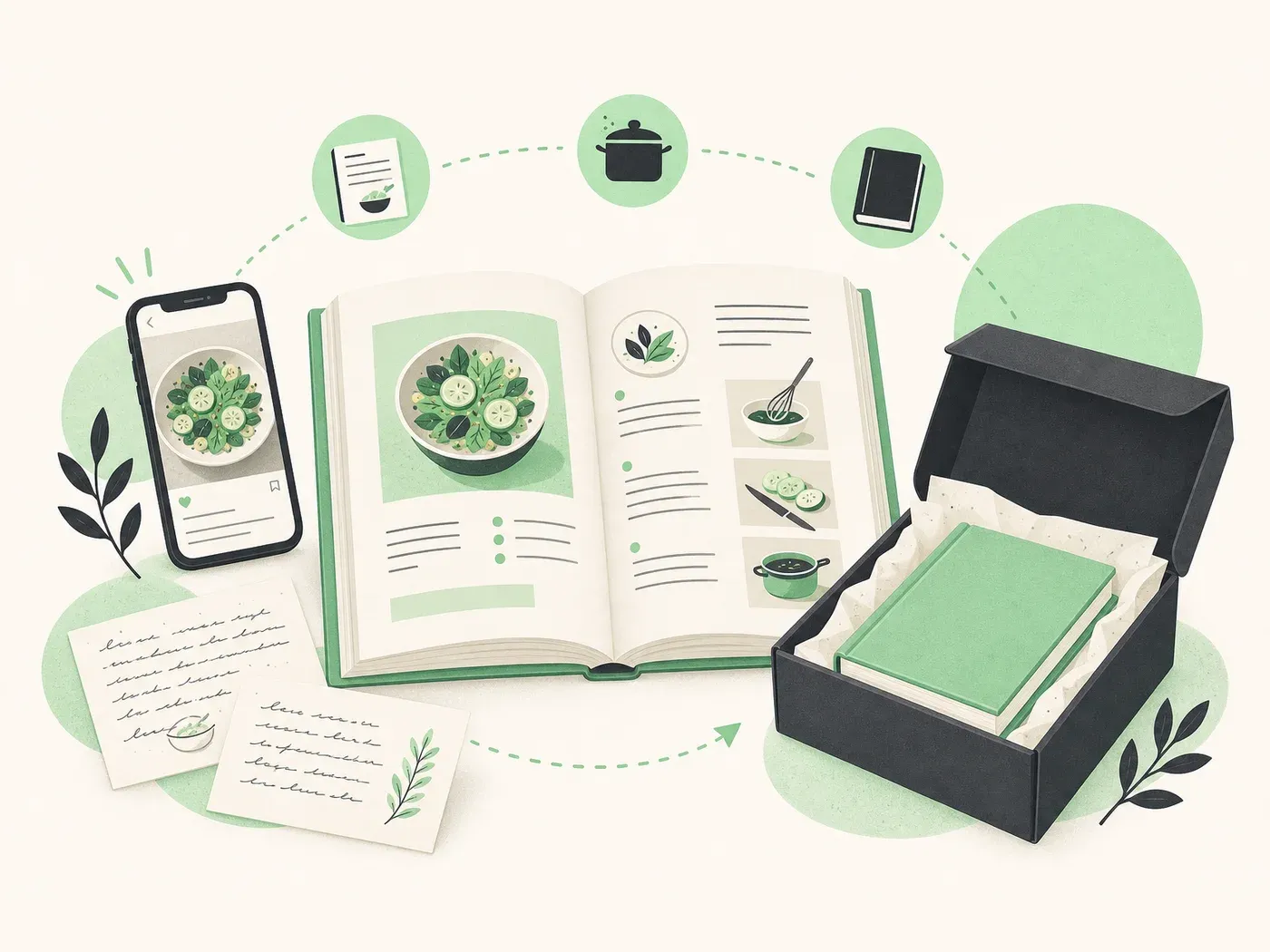
Gather paper notes, screenshots, WhatsApp messages, bookmarks, and photos of handwritten cards. Put everything in one place, even if the quality is uneven.
Aim for a first batch you can finish. Forty to sixty recipes is often enough for a satisfying first book, and easier than aiming for a perfect archive.
Structure each recipe the same way
A good recipe book feels consistent. Readers should find the title, servings, time, ingredients, and steps in the same places on every page.
Clean each recipe once: fix missing quantities, clarify vague steps, and remove duplicated notes. Consistency matters more than fancy styling.
- Clear title
- Servings and approximate time
- Ingredients as a list
- Numbered steps
- Optional notes (tips, swaps, storage)
Choose a layout that stays readable in the kitchen
Kitchen books need large type, breathing room, and predictable hierarchy. Decorative templates look nice on screen and often fail on a countertop.
Prefer a dedicated cookbook layout over a general design tool. You save hours and avoid uneven pages when every recipe follows the same template.
Create the cover last
The cover sells the book emotionally, but it should reflect the content you already have. Pick a title, a short subtitle, and one visual direction.
Keep text short. A strong title and a simple photo or illustration beat a crowded collage.
How Kulinia helps
Kulinia is built for this exact workflow: collect recipes, structure them, generate a consistent layout, then order a printed paperback when you are ready.
You can start free in the editor, import from photos, and keep a digital book even if you never print. When you do print, the file is already prepared for a finished cookbook.