From photo to personalized cookbook
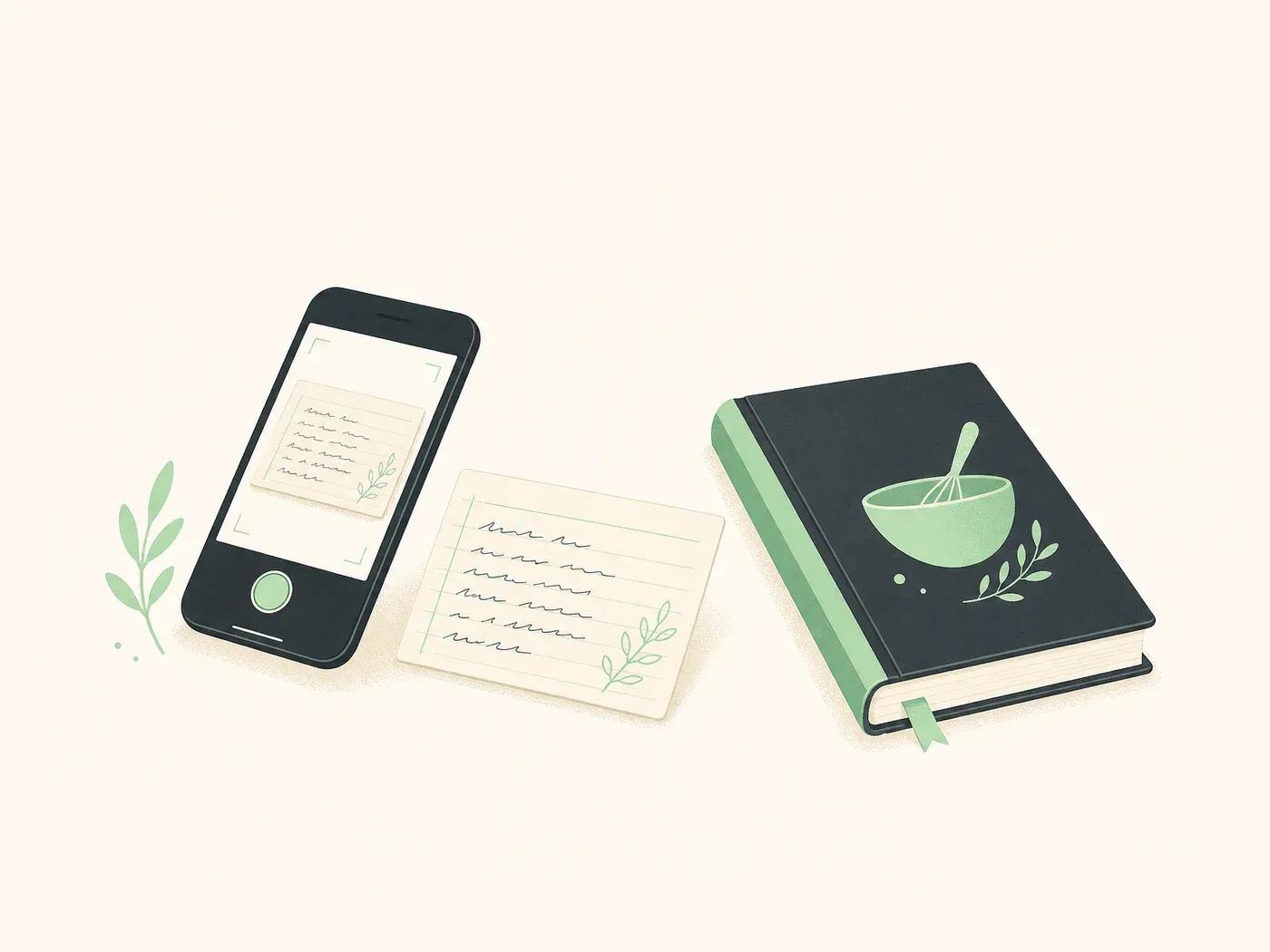
Grandma's handwriting, old notebook pages, scraps of paper. Photograph them and they become part of your cookbook.
No need to retype everything
Paper recipes are precious, but they're easy to lose. With Kulinia, a quick photo is enough to bring them into your book, safely stored and beautifully laid out.
- 1
Take a photo
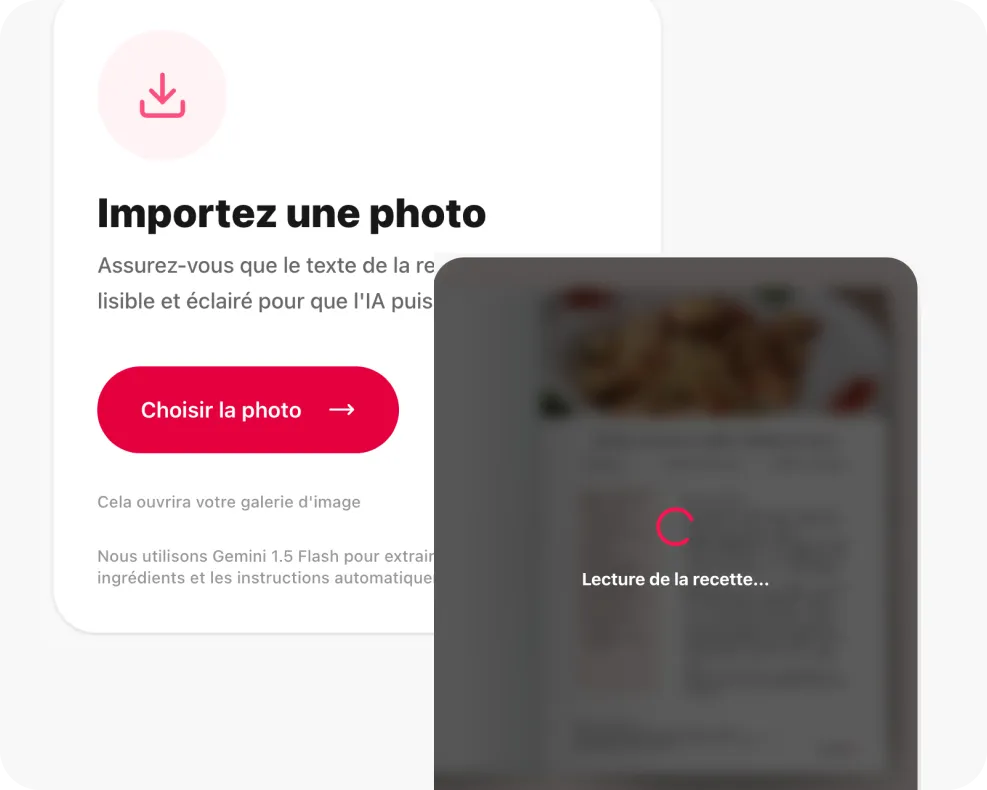
Snap a picture of a recipe card, notebook page, or printed sheet, straight from your phone or computer.
- 2
We read the text
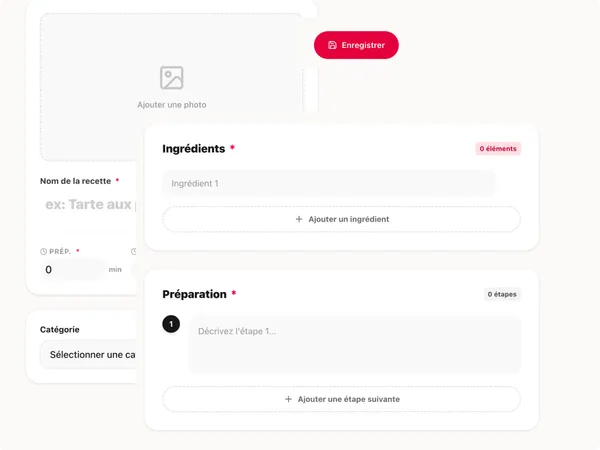
The ingredients, quantities, and steps are pulled out automatically. You can review and fix anything in a click.
- 3
It lands in your book
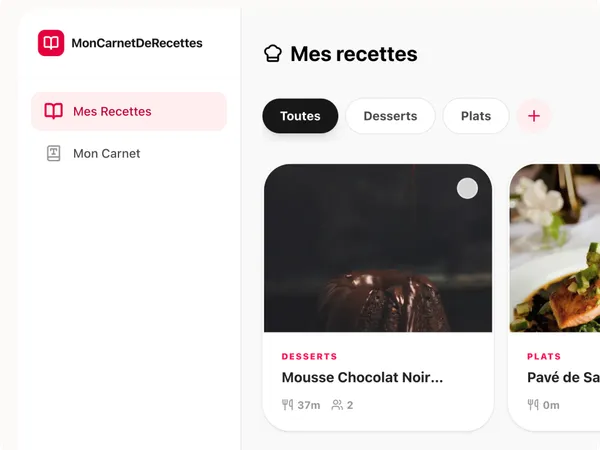
The recipe is added to your cookbook with a clean layout, ready to print or share with family.
Works with the recipes you already have
- ✓ Handwritten recipe cards
- ✓ Pages from old family notebooks
- ✓ Printed recipes cut from magazines
- ✓ Photos of recipes pinned on the fridge
You stay in control: check the text, adjust a quantity, add a note, then move on to the next page of your book.
Try it on your first recipe
Free to use. No account needed to open the editor.
Add a recipe by photo