Make your own cookbook in 4 steps
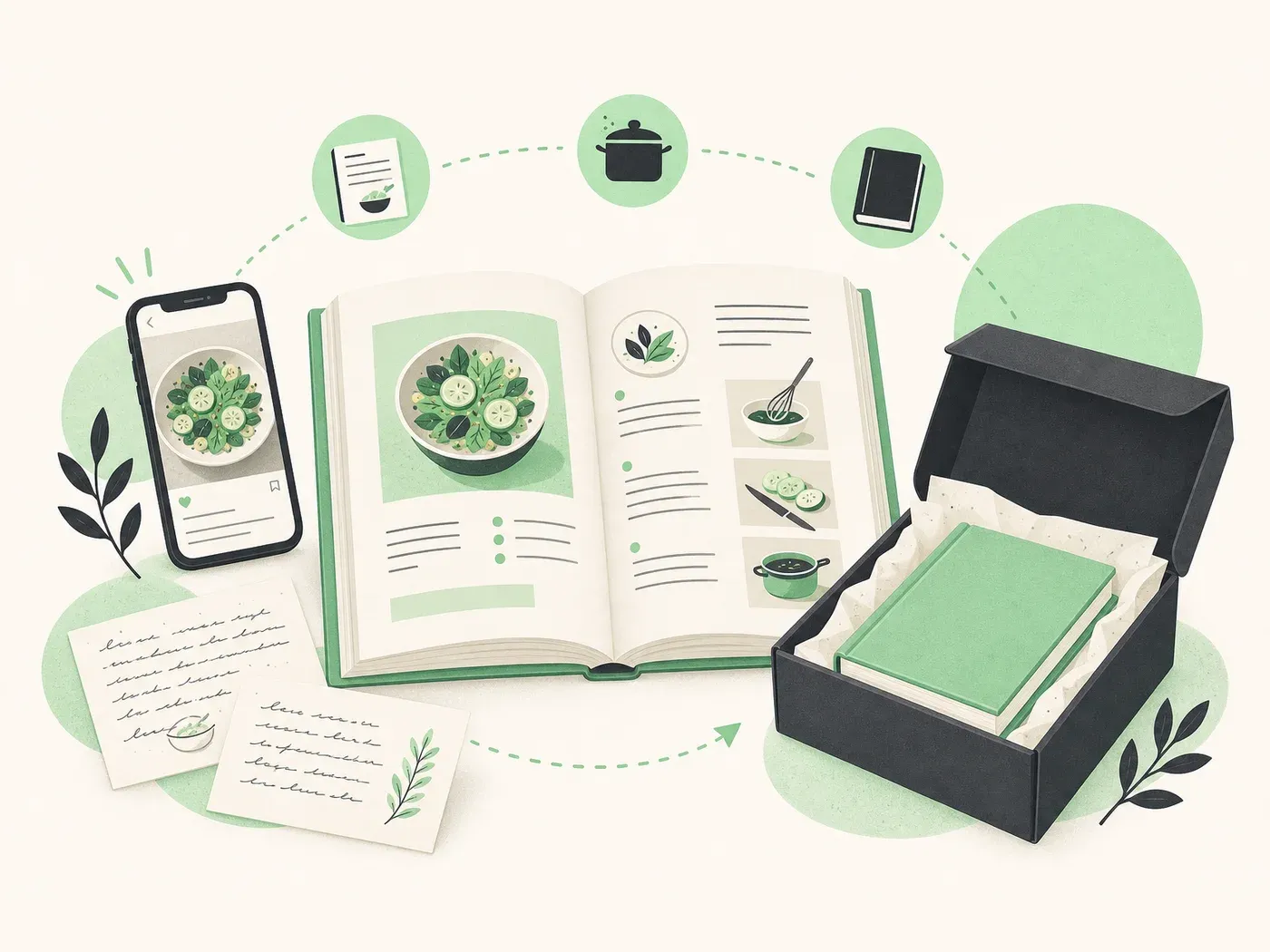
From scattered recipes to a printed cookbook. Try the editor free, pay only when you print.
01
Open the editor
No signup required
02
Fill your pages
Type, scan, or import
03
Shape your book
Cover & style
04
Order a print
Pay only when ready
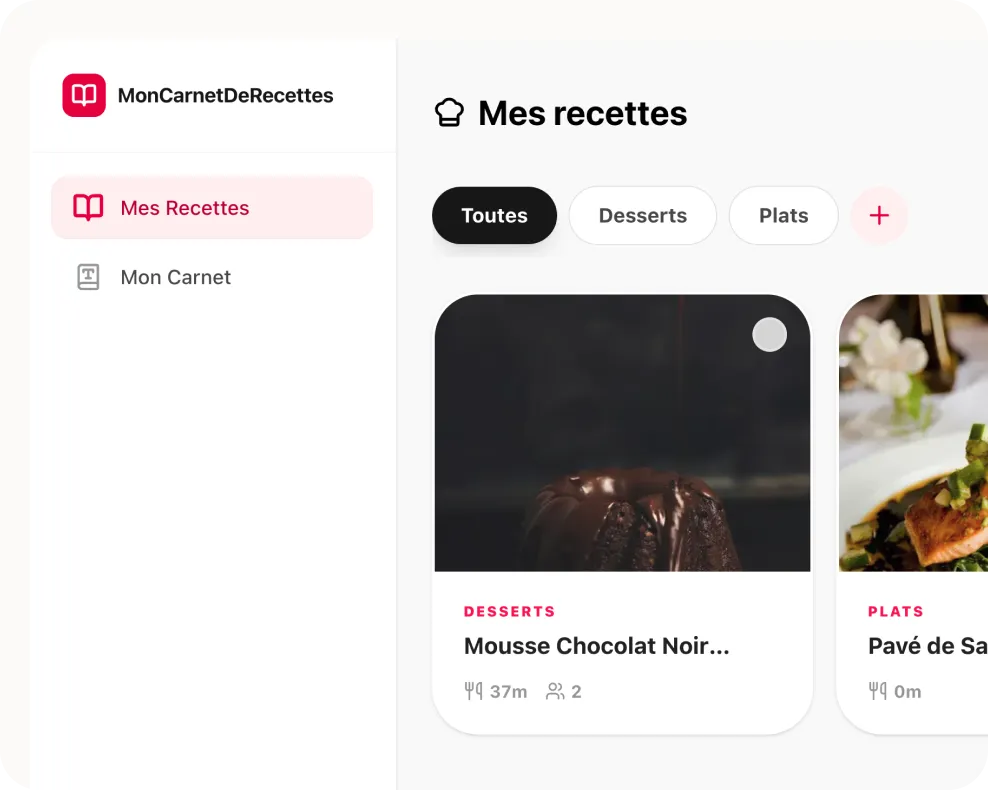
Open the book editor, no account needed
Kulinia is built around your book, not a separate recipe list. Open the editor and see your cookbook take shape: front cover, recipe pages, and back cover, just like the finished book.
- Try the full editor without creating an account
- Choose 32 or 48 pages and start from an example or a blank book
- Browse your pages at the bottom, like flipping through your future cookbook
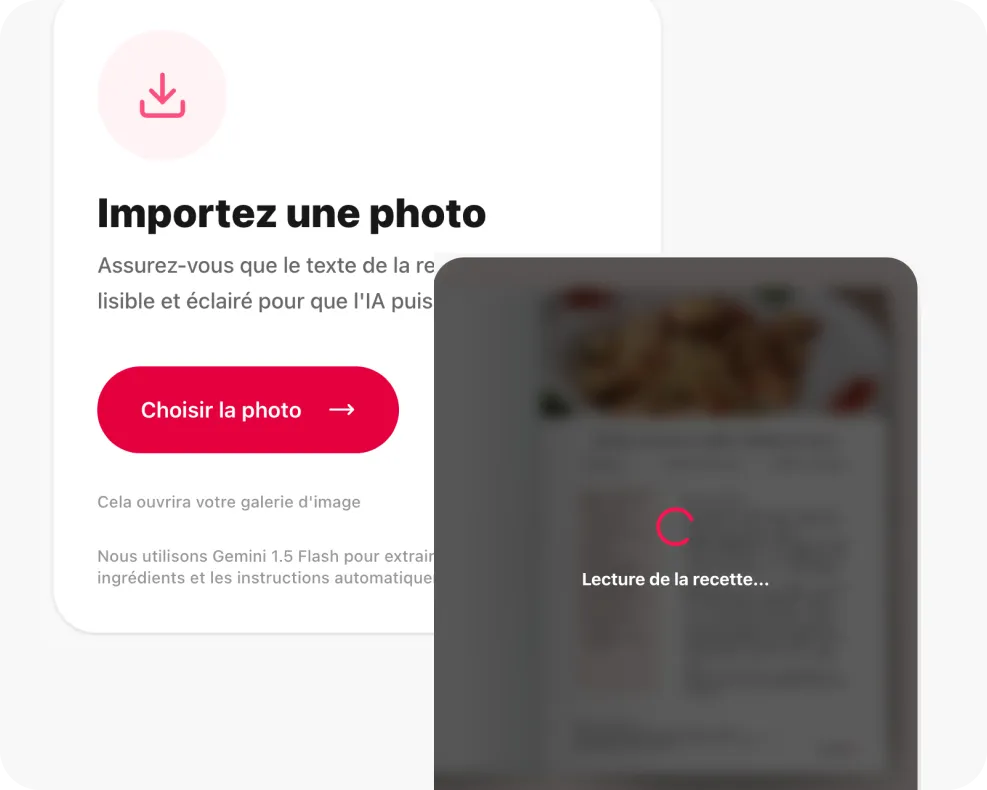
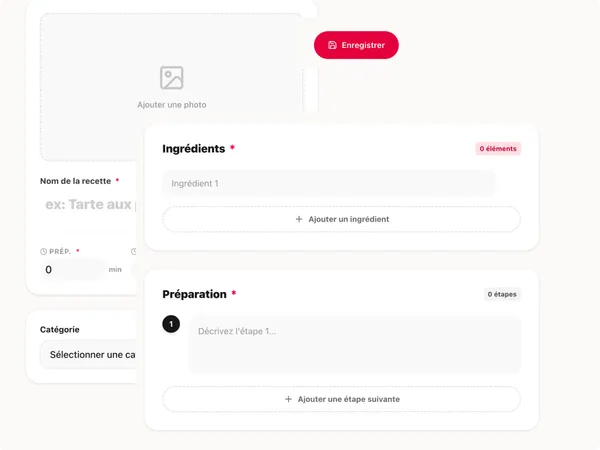
Fill each page your way
Tap any page to edit it. Photograph a handwritten card, type a recipe yourself, or paste a link from the web. We tidy up the ingredients and steps for you.
- Take a photo of a paper recipe and let AI transcribe it for you
- Write recipes directly in a clear, cooking-friendly layout
- Move, replace, or clear any page in your book
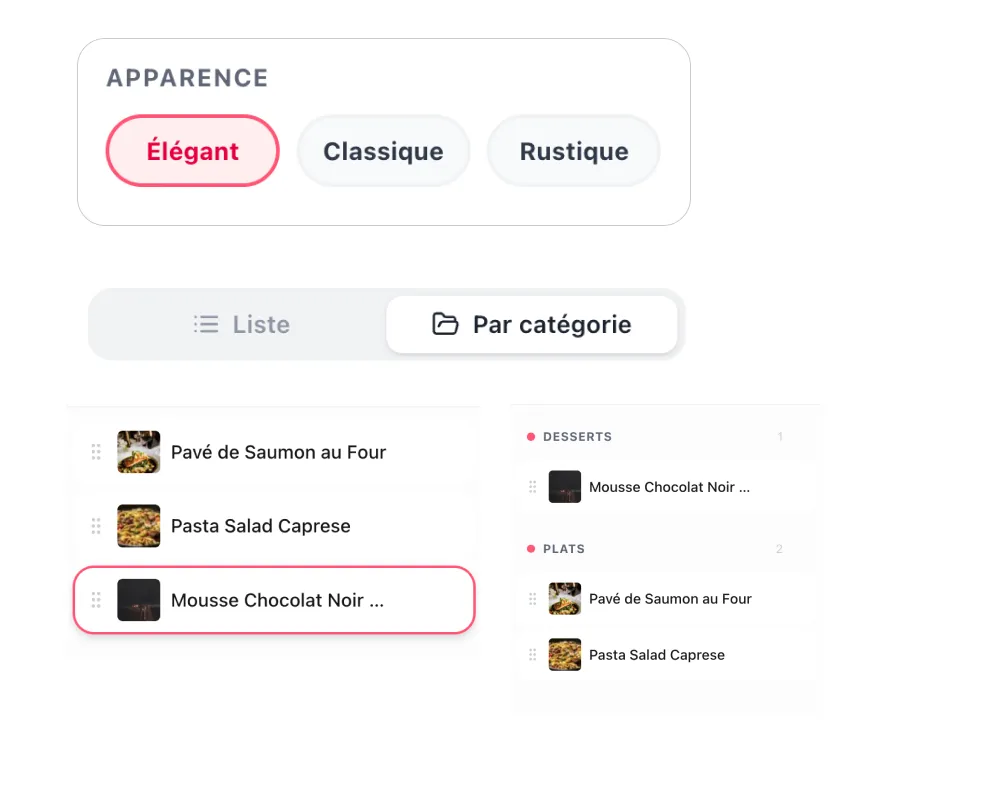
Design the book you'll be proud of
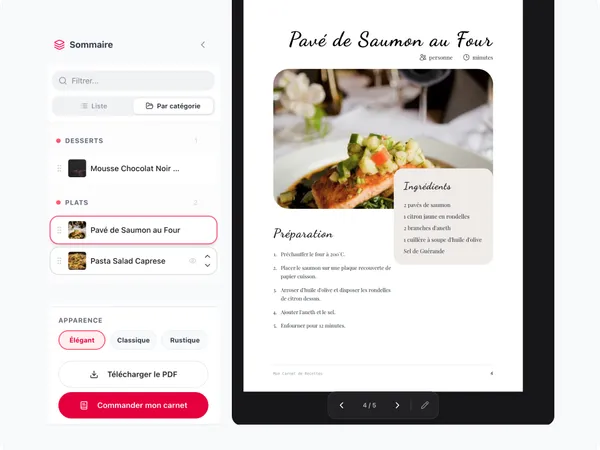
Personalize your cover, pick how each recipe is displayed, and check the result before printing. Every page stays neat and consistent. No design skills needed.
- Edit the text on the front and back cover
- Choose a style for each recipe: classic, magazine, or across two pages
- What you see on screen is what gets printed
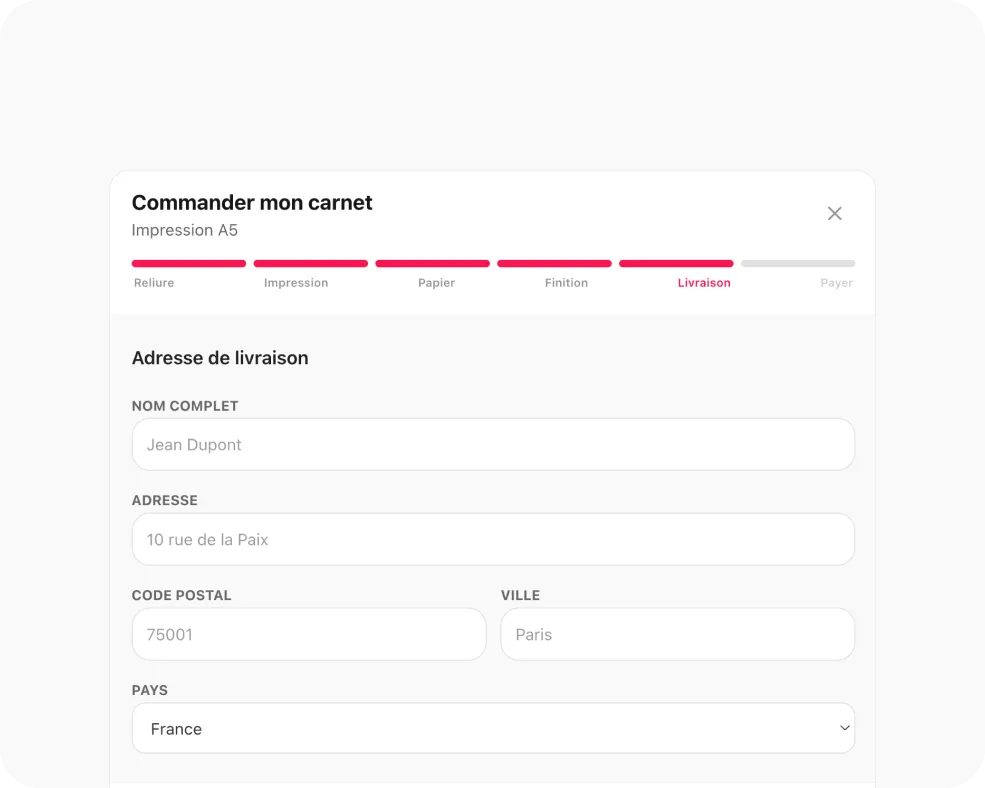
Order a printed paperback
Creating your book is free. You only pay when you're ready to print: choose format, paper, and finish, then get a color paperback delivered to your door.
- A5 paperback from 48 € (32 pages, standard paper, France delivery)
- Premium paper, glossy cover, and international shipping available
- When you order, we print exactly the book you designed on screen
Edit on the page, preview before you order
The editing panel opens right where you're working. Once you're signed in, your book saves automatically. You can preview every page before placing a print order.
Your book, front and center
You work directly on the pages of your cookbook. Simple and visual.
What you see is what you get
The pages on screen match the real book format. No surprises when it arrives.
Try before you pay
Start without an account. Sign up only when you want to save or order.
Open the editor, it's free
No credit card. Start filling your book in under a minute.
Start for free